Manual SAP testing is slow and error-prone. It doesn't scale when you're dealing with quarterly updates, S/4HANA migrations, or sprawling Fiori setups. SAP test automation tools accelerate test cycles and reduce human error. Not all platforms are built the same, though. Some handle SAP GUI well but struggle with Fiori. Others excel at cross-stack scenarios but come with enterprise price tags. This guide breaks down seven SAP testing tools for automation for 2026. You'll see their strengths, limitations, and how to pick the right fit.
Sustainable automation follows the testing pyramid: unit tests at the bottom, integration tests in the middle, and UI tests at the top.
To evaluate SAP test automation tools, map your environment, and define test scope. Then, assess team fit and analyze costs. Finally, review integration capabilities.
aqua cloud, as an AI-driven test requirement and management platform, can be paired with SAP test automation tools to reduce documentation time and orchestrate tests across multiple frameworks.
The right tool choice depends on three critical factors: your SAP environment, team technical skills, and expected change frequency.
SAP’s complex implementations make manual testing a bottleneck for many organizations. Discover which of seven automation tools matches your specific SAP environment, team skills, and change velocity to make the best selection 👇
Understanding SAP Test Automation
SAP test automation uses software to execute test cases on SAP applications without manual intervention. Instead of a QA engineer manually navigating through order-to-cash flows, an SAP automation test program or model-based test runs those scenarios. It validates outputs and flags defects.
The core benefit is speed and consistency. Automated tests run the same way every time without human variability. They execute faster than manual testing. You can regression-test an entire SAP environment overnight instead of spending weeks on validation. When SAP drops another quarterly update, or you’re mid-migration to S/4HANA, automation validates critical processes without overwhelming your QA team.
Modern SAP automation test tools use AI to automatically fix tests when the SAP interface changes. They can test SAP together with other web systems and work smoothly with your deployment pipelines.
Key benefits include:
Faster feedback loops
Higher coverage for regression suites that are impractical to run manually
Lower long-term costs from reduced manual effort
Scalability across multiple SAP instances and company codes.
The drawback? You need to invest time in test design, tool setup, and ongoing maintenance.
While exploring SAP automation test products, you should consider how your tests are actually managed. aqua cloud, an AI-driven test and requirement management solution, excels in this arena. It offers a unified workspace where SAP teams can manage both manual and automated test assets in one central platform. With aqua’s Intelligence AI, powered by domain-trained AI with RAG grounding, you can rapidly generate SAP-specific test cases from requirements, cutting documentation time by up to 97%. The platform’s flexible architecture integrates with your existing SAP automation test platform through its REST API, while providing the traceability and audit trails crucial for SAP compliance. Whether you’re managing a complex S/4HANA migration or implementing ongoing regression testing, aqua gives you the visibility and structure. It also integrates with automation frameworks, including Selenium, Tricentis Tosca, and popular CI/CD tools like Jenkins, Azure DevOps, and GitLab. Learn more about SAP test management capabilities.
Save 97% of your documentation time with test management built for SAP
These seven options cover everything from codeless platforms to open-source frameworks.
1. aqua cloud
aqua cloud is an AI-powered test management and requirement management pflatform designed for modern SAP ecosystems. It combines AI capabilities, automation via integration with external software, and defect tracking in a unified workspace.
The platform’s AI Intelligence generates context-aware SAP test cases directly from requirements documentation. Powered by domain-trained AI with RAG grounding, it reduces test documentation time by up to 97%. This proves particularly valuable during S/4HANA migrations or large-scale SAP implementations.
aqua cloud’s architecture provides integration with SAP through standard APIs and web interfaces. The platform functions as a central hub. It connects with existing SAP automation test applications through its REST API. You can orchestrate tests across multiple frameworks like Selenium, ACCELQ, or Tricentis. They maintain unified reporting and traceability.
If you are managing both manual and automated testing, aqua creates hybrid workflows. Business analysts define test scenarios in natural language. Automation engineers implement them through integrated tools. The AI-powered risk-based prioritization identifies which test cases matter most before SAP patches or releases.
Integration with DevOps tools like Jenkins, Jira, Azure DevOps, and GitLab enables automated test execution as part of CI/CD pipelines. Results flow back into aqua’s centralized reporting system.
Strengths:
AI Intelligence accelerates test case creation from SAP requirements
Unified platform for managing both manual and automated SAP tests
Flexible integration architecture works alongside existing automation tools
Customizable dashboards provide audit-ready compliance documentation
Intuitive interface reduces onboarding time for cross-functional teams
Strong DevOps integration for continuous SAP testing
Real-time collaboration features support distributed teams
Risk-based test prioritization optimizes regression testing
Considerations:
Integration focuses primarily on web-based interfaces and APIs rather than native SAP GUI automation
Teams requiring extensive SAP GUI testing may need to combine aqua with specialized GUI automation tools
AI features continue to evolve with ongoing platform updates
Best for: Organizations running modern SAP environments like Fiori and S/4HANA Cloud who need comprehensive test management with AI-driven efficiency. Particularly valuable for teams managing complex SAP migrations where rapid test case generation and centralized oversight are critical.
Speed up your SAP test automation by 80% with aqua'a AI
ACCELQ is a codeless AI-driven solution for teams managing SAP alongside other enterprise systems. The model-based design philosophy enables users to define business processes at a high level. You don’t need to script individual interactions. AI self-healing adapts locators automatically when SAP UI elements change.
The platform supports SAP GUI, S/4HANA, and Fiori/UI5. It handles cross-stack scenarios with web, mobile, and APIs. The codeless approach lets business analysts contribute without extensive programming knowledge.
Strengths:
Codeless design lowers technical barriers
AI-driven maintenance reduces effort when UI changes occur
Cross-application coverage handles SAP and non-SAP systems
Integrates with CI/CD tools
Considerations:
SaaS delivery model may require discussion for strict on-premise requirements
Pricing based on usage volume needs evaluation
Transitioning to model-based thinking requires team adaptation
Best for: Teams with frequent UI changes who need accessible onboarding for non-technical users.
3. Selenium
Selenium is an open-source tool for web UI automation that works with SAP Fiori and SAPUI5 applications. SAP’s documentation references Selenium for UI5 testing.
The primary advantage is zero licensing cost. Teams pay only for infrastructure and engineering time. Organizations with coding capabilities can build customized test frameworks.
Strengths:
No licensing fees with community support
Complete flexibility for custom development
Straightforward CI/CD integration
Works for Fiori/UI5 scenarios
Considerations:
No native SAP GUI support
Locator maintenance requires a disciplined framework design
Requires building custom test management capabilities
Best for: Teams with engineering resources and SAP accessed primarily through web interfaces.
4. Tricentis
Tricentis maintains a strategic partnership with SAP. It offers SAP Test Automation and “SAP Enterprise Continuous Testing. The platform provides support for SAP GUI, S/4HANA, Fiori/UI5, BW/HANA, and more.
The model-based test automation creates reusable modules mapped to business objects. STA integrates with SAP Cloud ALM. ECT’s Elastic Execution Grid provides scalable cloud execution.
Enterprise licensing represents a significant investment
Feature depth may exceed the needs for smaller implementations
Full productivity requires training investment
Best for: Large enterprises running complex SAP setups who need extensive technology support.
5. SAP eCATT
SAP eCATT is SAP’s built-in automation capability within NetWeaver and Solution Manager. It provides script-based testing for SAP GUI transactions with no additional licensing required.
eCATT creates test data containers with variants. This enables parameterization across organizational units. Integration with Solution Manager provides centralized execution and reporting.
Strengths:
Included in existing SAP licenses
Direct access to SAP backend functions
Useful for bulk master data scenarios
Considerations:
Limited to SAP-only testing
Requires SAP/ABAP technical knowledge
User experience reflects older design patterns
Best for: Organizations with budget constraints and in-house ABAP expertise.
6. RightData
RightData specializes in ETL and data validation through its DataTrust solution. The platform addresses data correctness requirements in SAP scenarios. This includes migrations and financial reconciliations.
The platform automates ETL pipeline testing and data reconciliation across SAP and non-SAP sources. Case studies indicate validation cycle reductions from 25 days to 5 days in S/4HANA migrations. For comprehensive automated data validation strategies, organizations often combine RightData with test management platforms.
Strengths:
Purpose-built for data-centric testing
Reduces manual reconciliation time
Integrates with DevOps pipelines
Considerations:
Complements rather than replaces GUI automation tools
Requires data engineering knowledge
Represents an additional investment
Best for: Large SAP migrations and financial reconciliation scenarios.
7. Other Notable Tools
TestComplete offers GUI automation for SAP with record-and-playback features. It provides accessibility for teams without deep coding backgrounds.
IBM Rational Functional Tester is an enterprise option with SAP support. It remains relevant in IBM-centric IT environments.
Worksoft Certify is a codeless SAP automation tool with a presence in North America. It works for packaged SAP testing during upgrades.
Comparison Table
Tool
SAP GUI Support
Fiori/UI5 Support
Codeless/Low-code
AI Features
Cloud Execution
CI/CD Integration
Best Fit
aqua cloud
Via integrations
Native (web APIs)
Yes (aqua Intelligence)
Advanced (test generation, risk analysis)
Yes
Excellent
Test management + automation orchestration
ACCELQ
Native
Native
Yes
Self-healing, object detection
Yes
Strong
Cross-stack enterprise environments
Selenium
No (requires bridges)
Native
No (code-based)
No (community add-ons only)
Via grids
Excellent
Fiori/UI5 with engineering resources
Tricentis
Native (deep)
Native
Model-based
Risk-based testing, impact analysis
Yes (Elastic Grid)
Strong (SAP Cloud ALM)
Complex enterprise SAP setups
SAP eCATT
Native
Limited
No (script-based)
No
Via Solution Manager
Limited
Budget-constrained SAP GUI testing
RightData
N/A (data focus)
N/A (data focus)
Yes
Data quality rules
Yes
Strong
Data migration and reconciliation
We use a number of different tools depending on the use case. For a couple of flows, we have robots in UiPath an RPA solution.
Choosing an SAP automation test provider requires matching capabilities to your SAP environment, team skills, and change velocity. When conducting an SAP test automation tools comparison, consider the following evaluation framework:
1. Map Your SAP Environment
Document your current SAP configuration. Identify deployment models: ECC on-prem, S/4HANA Public Cloud, or hybrid. Assess your Fiori/UI5 adoption versus classic SAP GUI usage. List cloud SaaS applications like SuccessFactors or Ariba. Determine your change cadence: monthly patches, quarterly releases, or infrequent major upgrades.
2. Define Your Test Scope
Categorize the types of testing your organization requires:
Business process and end-to-end testing: order-to-cash, procure-to-pay
Module-specific regression suites: FI/CO, MM, SD
Data migration and reporting validation
API/integration testing: OData, RFC, IDoc
3. Assess Team Fit and Usability
Evaluate how each tool aligns with your team’s capabilities. Determine whether no-code, script-heavy, or model-based approaches match your skills. If your team consists of functional consultants, codeless platforms make sense. If you have engineering resources, Selenium’s flexibility might work better. Consider training requirements and onboarding timelines.
4. Analyze Cost and Deployment Models
Compare financial and architectural considerations:
Licensing models: per-user, per-execution, or platform-based
Cloud versus on-premise deployment options
Initial investment versus ongoing operational costs
Vendor roadmap commitment to SAP support
5. Review Integration Capabilities
Verify compatibility with your existing technology stack:
Test management system compatibility: aqua cloud, Jira
Data validation tool integration: RightData, SNP Validate
6. Identify Common Selection Patterns
Organizations running S/4HANA Public Cloud with heavy Fiori adoption often find SAP Test Automation by Tricentis provides tight native integration. Hybrid environments with multiple non-SAP systems typically need cross-stack SAP test automation systems like ACCELQ or Tricentis. These are often complemented by aqua cloud for centralized test management. Cost-constrained teams on ECC on-prem might lean on eCATT plus Selenium. Modern Fiori-heavy environments with compliance needs benefit from aqua cloud’s test management. Pair it with Selenium or ACCELQ for execution.
Most successful SAP automation test programs use two or three complementary tools.
Generic questions get generic answers. You really shouldn't look for tools without knowing what you want to automate with them.
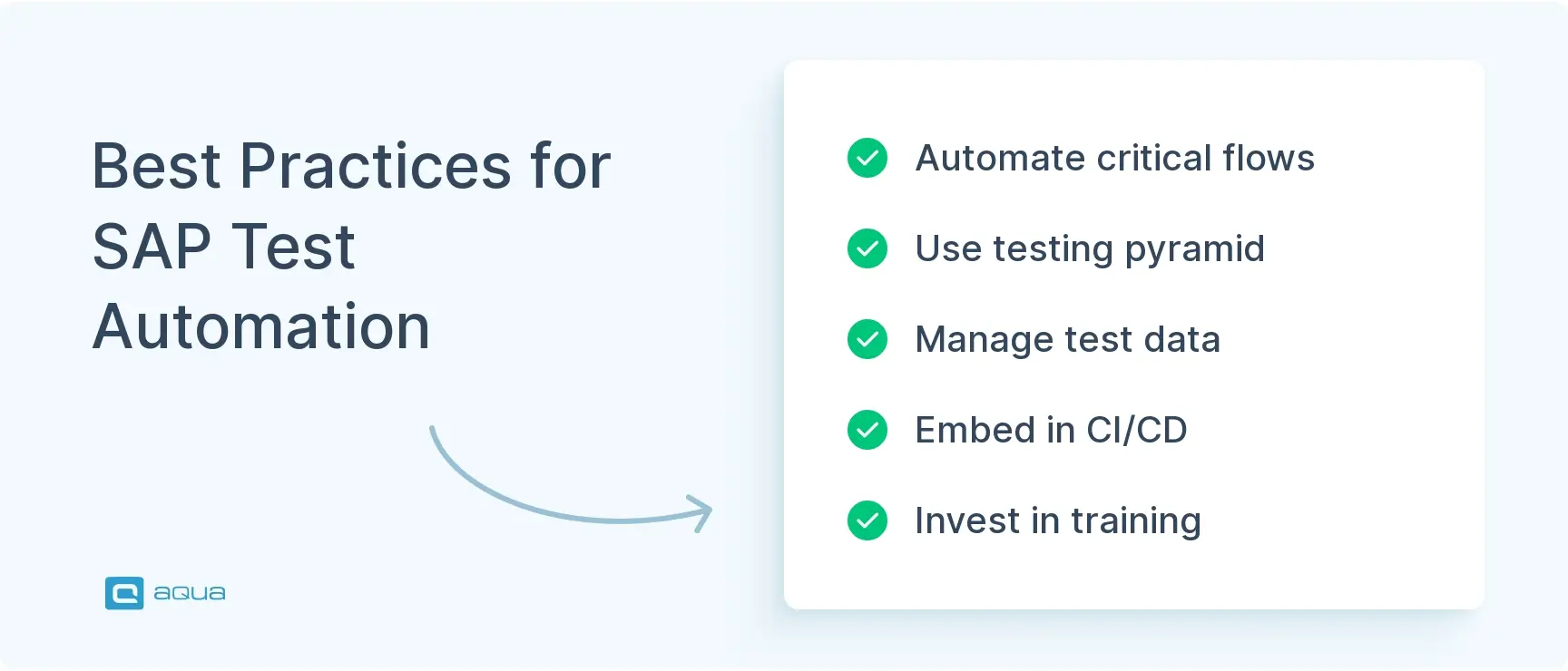
Without strategy and architecture, you’ll end up with brittle scripts and low coverage. Here’s how you should approach SAP test automation for the best results:
1. Start with Business-Critical Processes
Identify your top 10 to 20 flows with the highest business impact. Focus on processes like invoicing and payroll where defects cause immediate disruption. Then, define clear KPIs. like the following ones, upfront:
Cycle time reduction
Defect leakage rates
Manual effort hours saved
Prioritize which steps need automation first. Automate predictable flows but keep exploratory tests manual where human judgment adds value.
2. Design for the Long Haul
Build a sustainable automation architecture and follow this testing pyramid for SAP:
Bottom layer: ABAP unit tests and component tests
Middle layer: Integration and API tests
Top layer: UI testing for Fiori and SAP GUI
Create modular and reusable components. In platforms like ACCELQ and Tricentis, build business components such as “Create vendor.” In Selenium or eCATT, use page-object libraries. Centralize locators and identifiers. Use AI and self-healing where available, but maintain good locator design with stable IDs.
3. Tackle Data and Environments Head-On
Here the following few approaches are useful:
Separate test data strategies by use case:
Synthetic or anonymized data for business-process tests
Real data samples for migration validation
Implement tools like RightData to automate data reconciliation between legacy and SAP/S/4HANA systems. Automate refresh of non-production SAP systems. Use transport management plus data refresh scripts. Protect PII and sensitive data with masking to maintain GDPR compliance.
4. Embed Testing in CI/CD
Integrate these automation measures throughout your development pipeline:
Unit tests on ABAP and UI5 for every code change
API tests triggered automatically on deploy
Smoke and regression packs on staging before production
Use cloud execution grids to parallelize large suites. Push results back into ALM tools like aqua cloud or Jira. Track trends over time: pass rates, unstable tests, execution duration, and defect leakage.
5. Invest in People and Change Management
Your team needs proper training on the chosen platforms through formal programs. Cross-functional squads work best when they mix SAP functional consultants, QA engineers, and DevOps practitioners.
Launch pilot projects to prove value before scaling. A successful proof of concept builds credibility. It helps refine your approach. Start with basics, learn what works, and gradually expand coverage.
Choosing the right SAP test automation tools is critical, but equally important is how you organize and manage your testing strategy. aqua cloud, an AI-powered test and requirement management platform provides the ideal complement to your SAP automation toolkit. It centralizes all test assets while integrating with your preferred automation solutions. With aqua’s domain-trained AI Intelligence, you can generate context-aware test cases directly from your SAP requirements, significantly accelerating documentation and increasing coverage. aqua’s flexible architecture integrates with leading SAP tools and CI/CD pipelines, creating a unified ecosystem where quality becomes a continuous, measurable process. In an environment where SAP changes are constant, and quality expectations are high, aqua delivers the structure, efficiency, and intelligence that makes comprehensive test management possible. aqua connects with 10+ tools, including Jira, Azure Boards, TestRail, and qTest. It also supports integrations with major automation frameworks.
SAP test automation is necessary for organizations dealing with frequent updates or S/4HANA transformations. The right tools cut test cycles from weeks to hours. ACCELQ and Tricentis work for cross-stack scenarios. Selenium offers flexibility for Fiori-heavy teams. eCATT fills budget-constrained needs. RightData handles data migrations. aqua cloud serves as the orchestration layer with AI-powered efficiency. Most successful programs combine multiple tools tailored to their environment and team skills.
An SAP test automation tool is software designed to execute test cases on SAP applications automatically. It validates SAP processes, data, and integrations by running scripts or model-based tests across SAP GUI, Fiori, APIs, and backend systems. This reduces manual effort and accelerates feedback loops.
Can Selenium be used for SAP testing?
Yes, Selenium can automate SAP Fiori and SAPUI5 applications accessed through web browsers. SAP’s own documentation references Selenium for UI5 testing. Frameworks like UIVeri5 extend WebDriver for SAP-specific scenarios. However, Selenium doesn’t natively support SAP GUI without additional bridges or tools.
How does SAP test automation integrate with CI/CD pipelines?
Modern SAP test automation platforms like ACCELQ, Tricentis, and Selenium integrate with CI/CD tools like Jenkins and Azure DevOps via APIs and plugins. Tests trigger automatically on code commits or deployments. They run in parallel on cloud execution grids and push results back to ALM systems like SAP Cloud ALM or Jira for real-time feedback.
Enhancement of the aqua product is Martin’s main responsibility and biggest mission. His expertise covers ITIL Process Consulting, Change Management, Quality Assurance, Quality Management, and Requirements Management. Martin works in QA services for regulated industries for more than 18 years being an irreplaceable leader at…
Pavel, a Quality Assurance Consultant and Author, brings deep expertise to solving complex testing challenges. His background in software development has helped organizations transform their QA practices from reactive to proactive. Beyond consulting, Pavel develops best practice guides and case studies for aqua cloud that…
Join our community of enthusiastic experts! Get new posts from the aqua blog directly in your inbox. QA trends, community discussion overviews, insightful tips — you’ll love it!
We're committed to your privacy. Aqua uses the information you provide to us to contact you about our relevant content, products, and services. You may unsubscribe from these communications at any time. For more information, check out our Privacy policy.
X
🤖 Exciting new updates to aqua Intelligence are now available! 🎉